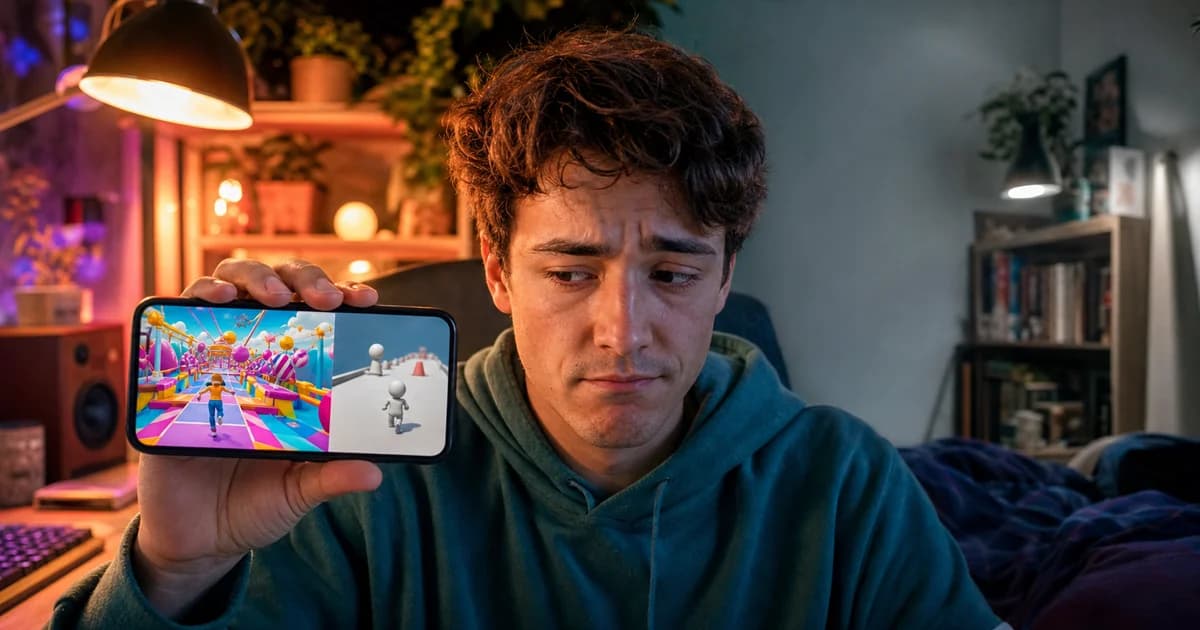
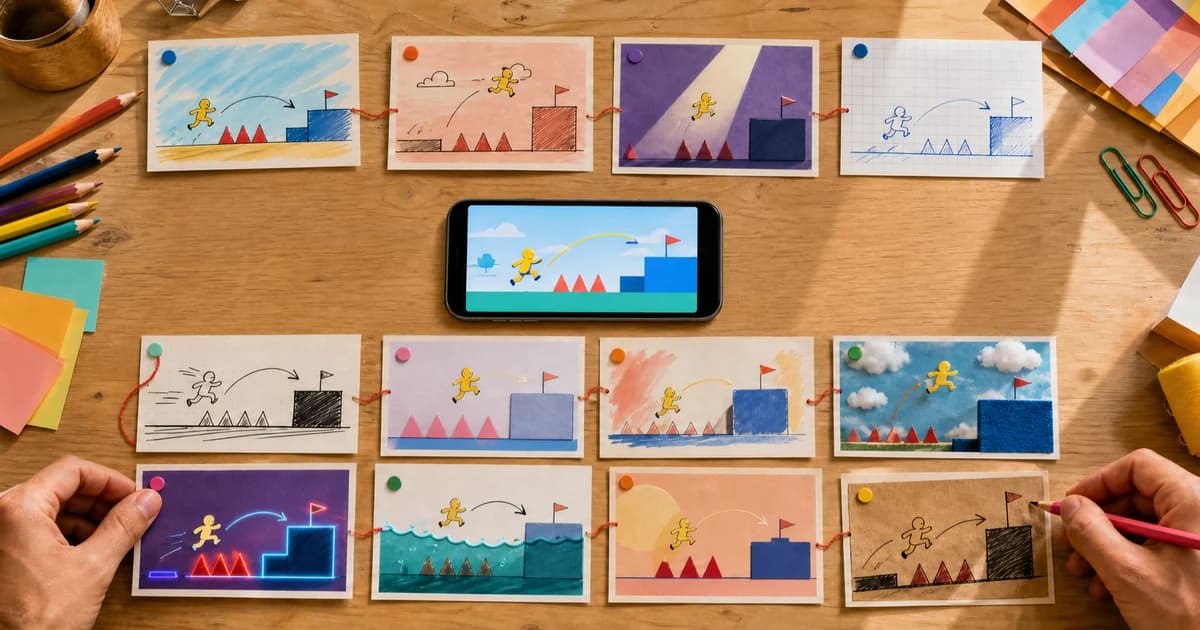
We've watched thousands of playable ads go through our platform. The difference between a 15% engagement rate and a 50% engagement rate? It's not the game mechanic. It's not the art style. It's the first three seconds.
A playable ad isn't a video. You can't rely on autoplay and hope the message lands. You need the user to do something. And if they don't understand what to do immediately, they won't do anything at all. They'll skip, scroll, or tap away.
This post breaks down the three things that make or break those opening seconds: the loading screen, the tutorial hint, and the first interaction. Get these right, and everything downstream improves. Completion rate, CTR, installs. (Once you've nailed the opening, see our A/B testing guide for what to optimize next.)
Why Three Seconds Is the Entire Game
Platforms like TikTok, Instagram Reels, and YouTube Shorts have trained users to make instant content decisions. Swipe or stay. Skip or engage. For playable ads, the window is even tighter because the skip button appears around second five.
That gives you a two-second gap between "maybe" and "gone forever."
- Second 0–1: The ad loads. A blank screen or generic spinner means you're already losing.
- Second 1–3: The user sees the game. If they can't immediately understand what to do, engagement drops off a cliff.
- Second 3–5: The skip button appears. If the user hasn't interacted by now, they almost certainly won't.
Content creators who use a "hook in the first 3 seconds" strategy report significantly higher average watch time. Same principle applies here, except instead of watching, you need users playing.
Loading Screen: The Zero-Second First Impression
Before your game even appears, users see your loading screen. Most advertisers treat this as dead time. Wrong. It's your first shot at setting expectations and building anticipation.
What a Good Loading Screen Does
- Shows your brand. A logo with a subtle animation (fade, bounce, or spin) signals professionalism and primes brand recall before the game starts.
- Displays a progress bar. A moving indicator tells users something is happening and reduces perceived wait time. Even a 1–2 second load feels shorter when users can see progress.
- Sets the color mood. The loading screen background should match your game's visual palette. A jarring transition from a white loading screen to a dark game breaks immersion before it begins.
What to Avoid
Generic spinners look unintentional and tell the user nothing. Loading screens longer than 3 seconds eat into your window before the skip button shows up. And skipping the loading screen entirely? If your game takes even half a second to initialize, a flash of unstyled content looks broken. A brief branded screen is always better than a blank frame.
We built a loading screen editor into Hookin specifically because we saw this problem over and over. You can configure a custom logo, background color, animation style, logo size, and minimum duration from 1 to 3 seconds. No code, and it matches your game's visual identity from the very first frame.
Tutorial Design: Show, Don't Tell
The most common mistake in playable ad design is treating the tutorial as a separate screen. You know the pattern: a static instruction panel that says "Swipe left and right to dodge obstacles" with a "Got it!" button the user has to tap before anything happens.
This kills engagement for three reasons:
- It adds taps before fun. Every tap required before gameplay starts is a chance for the user to leave.
- Text-heavy instructions get skipped. Mobile users don't read ad copy. They scan, pattern-match, and react.
- It separates learning from doing. Users learn by interacting, not by reading. The best tutorials happen inside the game, not before it.
What Works Instead
Animated hand/finger icons. A finger icon that taps, swipes, or drags on screen shows the user exactly what to do without a single word. It's the universal language of mobile interaction.
Inline hints that disappear on first interaction. Overlay a subtle "Tap to pop!" or "Swipe to move" label directly on the game element. The moment they perform the action, the hint fades and gameplay begins. No separate tutorial screen, no "Got it!" button.
Auto-demonstration. Start the game with a 1–2 second automated sequence that shows the mechanic in action: a ball bouncing, tiles matching, a character running. Then hand control to the user with a "Your turn!" prompt. They've already seen what success looks like before they touch the screen.
If your tutorial takes more than one tap and two seconds to get through, it's too long. The user should be playing the real game within three seconds of the ad appearing.
The First Interaction: Make It Obvious, Immediate, and Rewarding
The first tap, swipe, or drag is the moment that separates a viewer from a player. Once a user interacts, completion rates jump dramatically. The biggest drop-off happens before the first interaction, not during gameplay.
Make It Obvious
The interactive element should be the most visually prominent thing on screen. Use size, color contrast, and animation to draw the eye. If your game starts with a button to tap, make it large, bright, and pulsing. If it starts with a swipe gesture, animate the swipeable element to suggest motion. Different game types have different natural first interactions. A match-3 invites a swap, a runner invites a tap, a builder invites a drag. Design the visual prompt to match the mechanic.
Make It Immediate
Zero delay between the user's action and the response. When they tap, something should happen instantly. A satisfying pop, a color change, a score increment, movement. Any lag between input and feedback breaks the illusion of control and kills engagement.
Make It Rewarding
The first interaction should produce a positive outcome. Pop a bubble, clear a tile, score a point, trigger a satisfying animation. Starting with a failure state ("You missed! Try again") punishes curiosity. Always start with a guaranteed small win, then introduce challenge gradually.
A casual game publisher we worked with tested two versions of the same match-3 playable. Version A started with a board that was hard to clear. Version B pre-loaded an easy combo on the first move. Version B had 35% higher engagement and 20% more installs. Same game, same art. The only difference was whether the first tap felt good.
Skip Rate Reduction: Tactical Decisions
Auto-Start vs. Tap-to-Start
Auto-starting gameplay reduces friction but risks confusing users who weren't ready. Tap-to-start adds one barrier but ensures the user is paying attention. The best hybrid: auto-play a visual demo for 1–2 seconds, then prompt "Tap to play!" This captures attention passively and converts it to active engagement.
Visual Hooks in the First Frame
Bright colors, movement, and contrast stop the scroll. The first static frame of your playable, before any interaction, should look like a game. Not a loading screen. Not a static ad. Use bold colors, visible game elements, and a clear focal point. Dark, muted, or cluttered first frames get scrolled past every time.
Sound as a Secondary Hook
Most mobile users browse muted, so never rely on audio as your primary hook. But for users with sound on, a short distinctive sound effect on load (a chime, a pop, a game-start jingle) can boost engagement by pulling attention from peripheral vision. Design your playable to work perfectly silent, then layer sound as a bonus.
The Five Most Common First-3-Second Mistakes
- Too much text on the first screen. If your opening frame has more than five words, you've lost most users. Show the game, not instructions.
- Confusing first interaction. If the user doesn't know whether to tap, swipe, or drag within two seconds, your tutorial has failed. Use a single, clear gesture prompt.
- Slow or missing loading screen. A blank white frame while assets load looks broken. Use a branded loading screen, even if it's only visible for one second.
- CTA blocking gameplay. An oversized "Install Now" button covering the game area before the user has played is aggressive and counterproductive. Show the CTA in a non-intrusive position during gameplay, then make it prominent on the end card.
- Punishing the first action. If the user's first tap results in "Game Over" or a miss, you've punished them for engaging. Design the first interaction to always succeed.
How Hookin Helps You Get the First 3 Seconds Right
We obsess over this stuff because the first impression makes or breaks every ad that goes through our platform. (For guidance on describing these elements in your prompt, see our prompt writing guide.)
The loading screen editor lets you set a custom logo (or use the default), choose a background color that matches your game, pick an animation style (fade, spin, bounce, or none), select your logo size, and set the minimum display duration between 1 and 3 seconds. Every export includes this branded loading experience automatically. If you want to see the full workflow from prompt to polished ad, our guide on creating a playable ad in 10 minutes walks through each step including loading screen and CTA configuration.
For the game itself, we offer 8 CTA layout templates: classic, left-side, minimal, top-center, bottom-left, bottom-right, top-bar, and bottom-bar. You pick the position that supports gameplay rather than blocking it. You can also toggle CTA visibility during gameplay and customize button text, colors, and sizing through the inspector panel.
The goal is a seamless transition from loading screen to gameplay to CTA. No code required.
Make Every Second Count
Don't leave those first three seconds to chance. Design them deliberately.
Start building playable ads that hook users instantly on Hookin