A shopper searches Amazon for “compact burr grinder.” You can put one grinder in front of them and send the click straight to its product detail page. Or you can introduce a coffee-equipment brand, show several related products, and let the shopper choose where to go next. Both ads may appear around the same search. They are not doing the same job.
Choose Sponsored Products when the next useful decision is about one advertised product. Choose Sponsored Brands when the ad needs to introduce a brand, present a related selection, or organize a catalog before the shopper commits to one item. For many established catalogs, the answer is not one format forever: Sponsored Brands opens the right aisle, while Sponsored Products puts a specific item on the shelf in front of a ready shopper.
That distinction is more useful than the familiar “conversion versus awareness” shorthand. Amazon’s current Sponsored Products overview describes ads for individual listings that click through to the advertised product detail page. Its Sponsored Brands overview describes image, video, and collection experiences that can route shoppers to a Brand Store, a branded experience, or a product detail page, depending on the format and campaign goal.
The comparison in one table
| Decision factor | Sponsored Products | Sponsored Brands | What it means for the shopper |
|---|---|---|---|
| Primary object | One advertised ASIN | A brand, related product collection, Store section, or featured product | Decide about one item versus discover or navigate a selection |
| Typical click destination | The advertised product detail page | A branded experience, Brand Store or Store page, or product detail page, depending on format and goal | Short, direct path versus a choice-oriented path |
| Strongest shopping job | Evaluate and buy a specific product | Discover a brand, compare related products, or choose a catalog path | “Is this the one?” versus “Which one from this brand fits?” |
| Creative | Listing-led image; product-feature video where available | Collections, brand logo and imagery, Store spotlight, or video | Product evidence versus brand and assortment framing |
| Targeting | Automatic, manual keyword, manual product, and negative targeting | Keyword or product targeting varies by format; automatic collections use keyword targeting | Sponsored Products offers a broad discovery-to-control ladder; Sponsored Brands control depends on the selected experience |
| Pricing | Cost per click | CPC, vCPM, or reserved share-of-voice pricing depending on the goal | Measurement and buying model must match the job |
| Seller access | Eligible professional sellers and other supported advertiser types; advertised products must meet retail and Featured Offer requirements | Professional sellers need Amazon Brand Registry; marketplace and format availability vary | Check eligibility before building the media plan |
| Best primary readout | Product-level clicks, sales, conversion efficiency, ROAS, placement | Impressions, new-to-brand, Store or branded-experience traffic, product exploration, and sales | Judge each format by the behavior it was assigned to create |
The cleanest dividing line is not placement. Both can show in prominent shopping contexts, and Sponsored Products can also appear beyond the Amazon store on supported surfaces. The dividing line is what the ad asks the shopper to decide next.
Start with the next click, not the funnel label
Funnel labels can hide the design problem. A category search may come from a shopper who is ready to buy but still needs help choosing a size or use case. A branded search may come from someone who wants one exact replacement part. Intent and catalog structure do not always move together.
Use three possible next-click jobs:
- One product decision: The shopper should inspect one ASIN’s price, reviews, variants, images, specifications, and offer. The natural destination is that ASIN’s detail page. Start with Sponsored Products.
- A related-product decision: The shopper should compare several products that solve the same broad need. A collection can expose the relevant set, then let the shopper click an individual item or continue into a branded experience. Start with Sponsored Brands collections.
- A category-navigation decision: The shopper first needs to choose a department, use case, or subcategory. A Store-led Sponsored Brands experience can create that map before the product decision.
The format is correct when the ad, destination, and intended decision form one uninterrupted path.
A beautiful brand ad that lands a highly specific query on a generic Store homepage adds work. A precisely targeted product ad that sends a broad, exploratory shopper to one arbitrary ASIN may end the search too early. Neither problem is fixed by raising the bid.
Why older Sponsored Products-versus-Brands comparisons are incomplete
Two 2026 changes make old “product tile versus banner” explanations unreliable.
First, Amazon launched Sponsored Brands collections in May 2026. The current collections guide says the format can feature 3–10 related products. Advertisers can let Amazon assemble automatic collections from campaign targets and shopping signals or manually choose the ASINs. In the documented flow, individual products link to their product detail pages, while the title, logo, and brand name can lead to a branded experience or selected Store page. Sponsored Brands is therefore not only a brand-story format; it can also be a product-selection interface.
Second, Sponsored Products can now carry richer product evidence where the format is available. Amazon’s Sponsored Products video guide describes one to five feature videos for a single ASIN, with as many as three contextually selected feature thumbnails shown to a shopper. The campaign keeps the same Sponsored Products targeting and budget, and the click still leads to the product detail page. Sponsored Products is therefore not always a static listing tile; it can be a focused product-demonstration route.
Creative richness no longer separates the two formats cleanly. The promoted object and post-click choice architecture do.
Scenario 1: One hero product needs a direct buying path
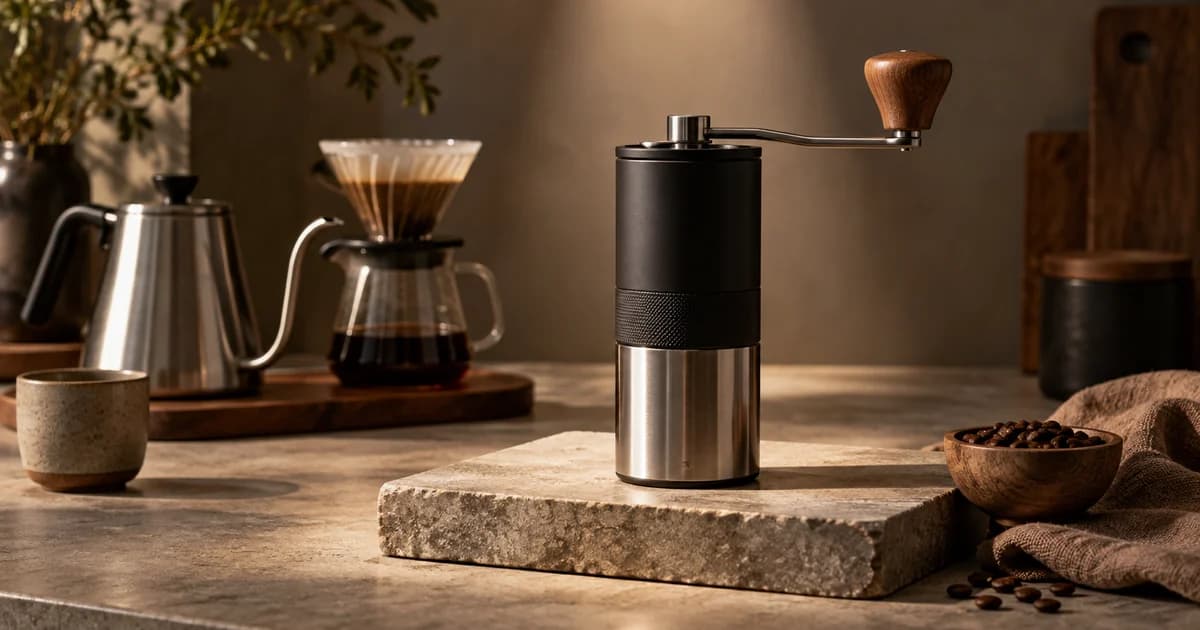
Fictional teaching example: Emberline Coffee sells one hero product, the Go Burr Grinder, with three color variants. It has accessories, but the grinder drives the business.
The shopper searches “compact burr grinder for travel.” That query describes a product, a use case, and a constraint. The most useful next step is not a tour of Emberline’s brand. It is the grinder’s detail page, where the shopper can verify size, grind settings, power method, reviews, delivery, and the exact variant.
Primary choice: Sponsored Products.
Use manual keyword targeting for known high-intent phrases and product targeting for relevant comparison pages. An automatic campaign can still discover search terms and product contexts; Amazon’s Sponsored Products targeting guide documents automatic, manual, and negative targeting, plus keyword and product-targeting controls. Keep the hero ASIN easy to isolate in reporting so a strong accessory does not conceal a weak grinder campaign or vice versa.
If Sponsored Products video is available in the account, the product’s three hardest-to-explain features could become separate demonstrations: “grind settings,” “travel lock,” and “easy cleaning.” That is still a single-product job. The videos help the shopper evaluate the grinder before the click; the product detail page completes the decision.

Measure product-level impressions, clicks, CPC, attributed sales, conversion efficiency, ROAS, and placement. If traffic arrives but sales do not, inspect the retail page and offer before blaming the ad type. Sponsored Products shortens the route; it does not repair an unclear page, weak offer, or unavailable variant.
Sponsored Brands may still have a supporting role for Emberline’s launch story or for a broader query such as “coffee gear for small kitchens.” But using it as the primary response to “compact burr grinder for travel” would add a catalog step that the shopper did not ask for.
Scenario 2: A related product family needs a selection interface
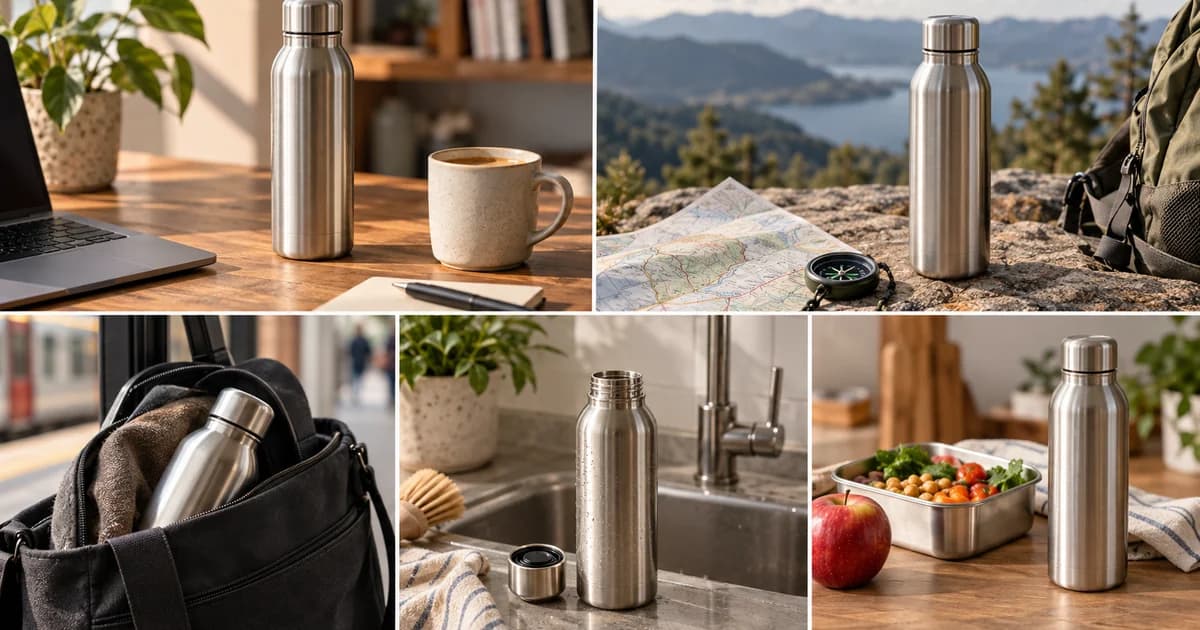
Fictional teaching example: Northwind Hydration sells 12 insulated bottles. The line varies by capacity, lid, weight, and use case; no single SKU is the correct answer to “insulated water bottle.”
This is not merely a brand-awareness problem. It is a product-selection problem. The shopper may be ready to buy, but the ad should expose enough of the range to help them recognize their branch: commuter, trail, kids, straw lid, or large-capacity.
Primary choice: Sponsored Brands collections.
A manual collection works when Northwind has a deliberate set to promote—for example, three high-stock bottles covering commuter, trail, and kids use. An automatic collection is better suited to a broad, changing catalog when Amazon can select from a deliberately safe pool and excluded ASINs are maintained. Automatic should not mean unattended: remove products that are out of strategy because of low stock, poor economics, outdated packaging, or a destination page that is not ready.
The current Collections flow is especially useful here. Product cards can take the shopper directly to an individual detail page, while the branded parts of the ad can open a broader branded experience. The shopper can either recognize the right bottle immediately or continue exploring without returning to the search results.

Sponsored Products remains the supporting close for searches such as “24 oz insulated bottle with straw” or “kids leakproof insulated bottle,” where one ASIN can answer cleanly. The formats are not duplicates when their queries and destinations express different jobs: Collections handles “show me the relevant range”; Sponsored Products handles “show me this type.”
For the collection, monitor impressions and CTR, but continue into product-exploration and acquisition measures. Amazon’s Collections guide lists click-attributed sales, new-to-brand sales, and detail-page views per click among the standard measures. Also inspect which ASINs receive traffic and sales. A campaign can look healthy in aggregate while repeatedly choosing products the merchandising team would not have prioritized.
Scenario 3: A broad catalog needs a map before it needs a product
Fictional teaching example: Lumenstead Home sells 48 lighting products across desk, bedroom, and outdoor collections. The broad query is “modern lighting for a small home.”
A single Sponsored Product would force one lamp to represent three different rooms and several different shopping needs. A product collection could display a mixed row, but the bigger problem is orientation. The shopper first needs to choose the part of the catalog that matches the room.
Primary choice: Sponsored Brands with a Store-led experience, such as Store spotlight where eligible.
The creative should make the category branches obvious. “Lighting for the way each room works” is more useful than “Quality lighting for every lifestyle,” because the first promise is completed by the destination. The three visible choices might be “Desk focus,” “Bedroom calm,” and “Outdoor evenings.” Each should land on the corresponding Store subpage, not a generic home screen that makes the shopper find the category again.
Amazon’s complete Sponsored Brands guide describes Store spotlight as a way to feature Store subpages with custom labels and images. Exact eligibility and available campaign goals should be confirmed in the advertiser’s current Campaign Builder because Sponsored Brands products and features are not available identically in every marketplace or account.

Sponsored Products supports the deeper branches. Once the query becomes “USB-C desk lamp with clamp” or “weatherproof patio string lights,” a direct product route makes sense. This creates a useful division of labor: Sponsored Brands organizes the catalog; Sponsored Products captures specific item intent within it.
Measure the Store-led campaign by its job: ad engagement, Store traffic, category exploration, new-to-brand activity, and downstream sales. Do not judge it only by the immediate ROAS threshold used for a tightly targeted hero SKU. Test whether it created the intended behavior, then decide whether the cost was justified.
Catalog size alone does not choose the format
A large catalog does not automatically require Sponsored Brands, and a small catalog does not automatically require Sponsored Products.
A 200-ASIN electronics brand should still use Sponsored Products when the query names a precise charger model and wattage. A three-product skincare brand may benefit from a Sponsored Brands collection when the shopper needs to choose among dry-skin, sensitive-skin, and travel versions. A one-product brand cannot manufacture a useful collection merely to obtain a more prominent creative; it may be better served by a strong Sponsored Product, a product-focused video where available, and a better detail page.
Ask two questions together:
- How many valid answers does this query have inside our catalog?
- What destination lets the shopper resolve those answers with the least unnecessary work?
When there is one valid answer, directness wins. When there are several related answers, product selection wins. When the answers live in different departments or use cases, navigation wins.
Product video or brand video?
Video does not remove the same choice; it makes the distinction sharper.
| Video job | Better starting format | Reason |
|---|---|---|
| Demonstrate several features of one ASIN | Sponsored Products video, where available | The feature evidence and click destination remain tied to one product |
| Introduce a brand or collection | Sponsored Brands video | The creative can frame a broader promise and, depending on campaign goal, route to a Store or product page |
| Explain one hero product while building brand recognition | Test both as separate jobs | Use Sponsored Products video for feature-level evaluation and Sponsored Brands video for the brand-led introduction; do not merge their readouts |
Amazon’s Sponsored Brands video guide says landing options depend on the selected campaign goal and can include a Brand Store or product detail page. It also notes that video autoplays muted, which makes captions and visually complete storytelling important. The correct question is not “Which video format gets more attention?” It is “What should the shopper understand, and where should the click continue that understanding?”
Check eligibility and format access before allocating budget
A strategy is not executable until the account, products, destination, and format are eligible.
- Confirm the advertiser path. The Sponsored Products overview lists professional sellers, vendors, book vendors, KDP authors, and agencies. The Sponsored Brands overview lists vendors, book vendors, KDP authors, agencies, and professional sellers enrolled in Amazon Brand Registry.
- Confirm product eligibility. Amazon states that Sponsored Products must be in eligible categories and eligible for the Featured Offer. Check stock, offer status, and the detail page before launch.
- Confirm the catalog requirement. Sponsored Brands collections requires at least three related products and supports up to ten. Build a coherent eligible pool rather than treating “related” as “anything under the same brand.”
- Confirm the destination. A Store-led ad needs a published, useful Store structure. A product-led ad needs a retail-ready product detail page. Do not approve creative before clicking through the full proposed route.
- Confirm the format in Campaign Builder. Amazon notes that Sponsored Brands products and features may not be available in every marketplace. Confirm newer options such as Collections goals and Sponsored Products video, plus their available placements, in the live console.
- Allow for review. Amazon says Sponsored Brands ads are reviewed within 72 hours. Build that interval into the launch plan instead of treating a completed upload as a live ad.
If a format is unavailable, do not reinterpret that as evidence that it was strategically wrong. Record the intended job, use the closest eligible route, and revisit the format when access changes.
Measure the job you assigned
| Assigned job | Primary format | Primary questions | Useful measures |
|---|---|---|---|
| Close a specific product decision | Sponsored Products | Did the right shoppers reach the ASIN, and did the retail page convert them efficiently? | Impressions, clicks, CPC, attributed sales, conversion rate, ROAS, placement performance |
| Help shoppers choose among related products | Sponsored Brands collections | Did shoppers engage with the set, explore products, and buy from the brand? | CTR, detail-page views per click, click-attributed sales, new-to-brand sales, ASIN traffic and sales mix |
| Route shoppers into the right catalog branch | Store-led Sponsored Brands | Did the ad create useful Store visits and category exploration that led toward products? | CTR, Store traffic, subpage engagement, new-to-brand activity, downstream sales |
| Teach a product feature | Sponsored Products video | Did shoppers watch the relevant feature and continue to the product page? | Video views and view rate, clicks, sales, ROAS, feature-level creative comparison where reporting permits |
| Introduce a brand or collection in video | Sponsored Brands video | Did the video earn attention and move shoppers to the intended Store or product destination? | View metrics, CTR, Store or PDP traffic, new-to-brand, attributed sales |
ROAS still matters, but it is not a universal diagnosis. Amazon’s Sponsored Brands overview pairs it with new-to-brand metrics because acquiring a first-time customer differs from closing a repeat purchase. An impression or video view is not proof of incremental sales; read it as evidence of one step in the designed flow.
A practical two-format campaign architecture
For a catalog with enough demand and eligibility, a useful starting structure is:
- Use Sponsored Brands on broad category, use-case, and brand-discovery queries where several products or catalog branches are valid answers.
- Use Sponsored Products on precise category, attribute, model, and ASIN contexts where one product is the intended answer.
- Keep budgets, campaign names, and reporting views separate by job. A blended total can hide whether discovery traffic is productive or whether one hero SKU is carrying the account.
- Use search-term and targeting reports to move from discovery to control. Terms that reveal a precise product need can graduate into focused Sponsored Products campaigns; repeated broad needs can inform Collections or Store structure.
- Review inventory, margin, eligibility, and landing-page quality alongside ad metrics. Media optimization cannot compensate indefinitely for retail operations.
This structure is a starting hypothesis, not a promise that both formats deserve equal spend. The catalog and observed shopper behavior decide the allocation.
Common selection mistakes
Declaring one ad type the universal winner. Sponsored Products often has the shortest purchase path, but that does not make one ASIN the correct response to every shopping query. Sponsored Brands can create sales while solving discovery and choice.
Sending a specific query to a broad Store. Every extra category click is friction when the shopper already named the product they want.
Sending a broad need to one convenient SKU. The SKU may win impressions because it has budget, not because it represents the best catalog answer.
Treating automatic collections as a substitute for merchandising. Amazon can select products from the pool, but the advertiser still owns the quality of that pool and can exclude ASINs.
Comparing unlike campaigns on one blended ROAS line. Separate product-closing, product-selection, and brand-navigation jobs before evaluating efficiency.
Using an old format chart as the plan. Amazon introduced Collections and Sponsored Products video in ways that changed both creative and click flows. Verify the current console, marketplace, and official documentation before production.
Use the shopping-job worksheet for three filled examples and a reusable decision record.
The 60-second choice
Choose Sponsored Products when one ASIN should be the answer and the product detail page is the correct next step.
Choose Sponsored Brands collections when the shopper should see 3–10 related products and either select one immediately or continue into a branded selection.
Choose a Store-led Sponsored Brands format when the shopper first needs to choose a category, use case, or Store section.
Choose Sponsored Products video for focused feature proof about one product, where the format is available. Choose Sponsored Brands video when the video introduces a broader brand or collection promise and its selected landing destination completes that promise.
The winner is not Sponsored Products or Sponsored Brands in the abstract. The winner is the shortest coherent flow from the shopper’s question to the next decision your catalog is ready to support.
Sources
- Sponsored Products — Help increase product sales, Amazon Ads. Accessed September 9, 2026.
- A simple guide to effective targeting with Sponsored Products, Amazon Ads. Accessed September 9, 2026.
- Sponsored Products video: A complete guide to setting up effective product feature videos, Amazon Ads. Accessed September 9, 2026.
- Sponsored Brands — Increase brand awareness, Amazon Ads. Accessed September 9, 2026.
- Your complete guide to Sponsored Brands, Amazon Ads. Accessed September 9, 2026.
- Sponsored Brands collections: Promote related products and reach more shoppers, Amazon Ads. Accessed September 9, 2026.
- Scale product discovery with AI-powered Sponsored Brands collections, Amazon Ads, May 27, 2026. Accessed September 9, 2026.
- How to get started with Sponsored Brands video ads, Amazon Ads. Accessed September 9, 2026.